

Digital daily planner tools like PlanWiz, Todoist, Motion, Notion, and more help you stay organized and productive on the go. A PlanWiz daily planner app offers task tracking, time blocking, and calendar sync, ideal for students, professionals, or freelancers. This guide explores top tools, setup tips, and strategies to streamline your planning anytime, anywhere.
What is Digital Planning and Why Is It Essential?
Digital planning refers to organizing your tasks, appointments, and goals using digital devices such as smartphones, tablets, or computers. A popular choice among users is a digital planner for iPad, offering seamless syncing, easy navigation, and stylus compatibility for handwriting lovers. With features like reminders, recurring tasks, and integrations with other tools, Digital daily planner tools are indispensable for boosting productivity on the go.
Best Digital Planning Tools to Stay Productive Anywhere
Here are the best Digital daily planner tools that help you plan your day on the go, each with unique features that can enhance your productivity:
1. PlanWiz: Best for customizable digital planning and printable productivity templates.
2. Notion: Best for all-in-one workspace organization.
3. Motion: Best for AI-powered task scheduling
4. Google Calendar: Best for smart event and calendar syncing.
5. Todoist: Best for simple tasks and to-do management.
6. Sunsama: Best for daily planning with task-calendar sync
7. TimeBloc: Best for visual time blocking and routines.
PlanWiz: Top for Printable Daily Planners
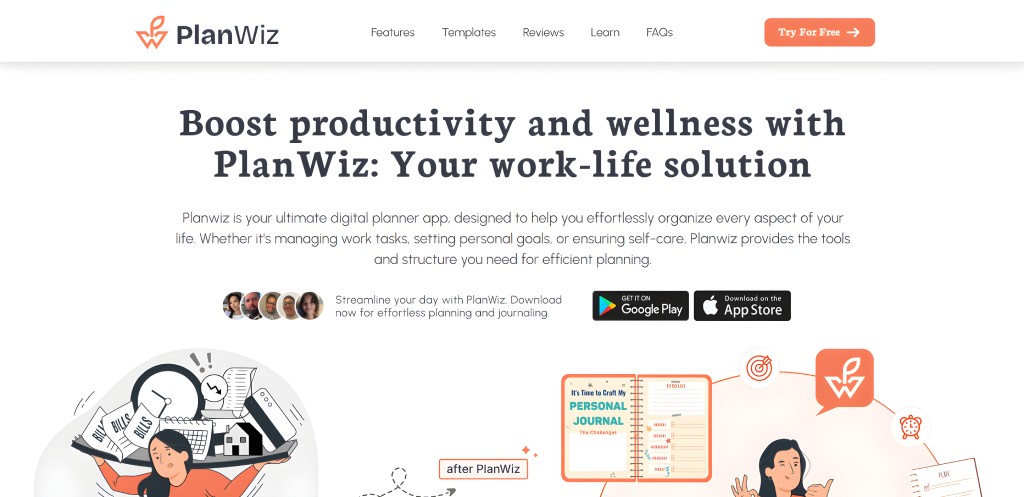
PlanWiz is a versatile digital planner app designed to cater to different needs, whether for students, professionals, or creatives. It offers a variety of customizable templates, including daily planner templates, weekly planner templates, business planner templates, and many more. You can sync your plans across devices, set reminders, and track goals to ensure you stay on top of your tasks.
Key Features:
- Customizable templates for daily, weekly, business planning, and many more
- Easy-to-use interface
- Habit tracking and goal-setting tools
- Clean and simple interface
Pros:
- Easy-to-use interface with drag-and-drop features
- Flexible customization options for diverse needs
- Cloud syncing ensures access across multiple devices
- Focuses on both productivity and personal well-being
Cons:
- Some features require a premium subscription.
Pricing:
- Free plan: Basic features like templates and task management
- Paid plan: Weekly Joy: $1.47 per week, Yearly Growth: $14.85 per year, Lifetime Achievement: $17.13 (one-time payment)
Available platforms: Android and iOS
Ideal For: Students, professionals, and creatives looking for a flexible digital planner.
Notion: Best All-In-One Organizer
Notion is an all-in-one workspace that combines note-taking, task management, and calendar features. It’s perfect for those who like to organize everything in one place. With its flexible layout, you can create digital planners, to-do lists, and even databases to manage your tasks efficiently.

Key Features:
- Fully customizable and flexible
- Integrated task management and calendar view
- Free templates for digital planning
- Collaborative features for team planning
Pros:
- Highly customizable and flexible workspace
- Combines task management, note-taking, and calendar features
- Great for team collaboration and sharing
- Large library of templates for quick setup
Cons:
- Steep learning curve for new users
- Lacks advanced features for time management or scheduling
Pricing:
- Free plan: Offers limited functionality (great for personal use)
- Paid plan: $8/month for premium features, including unlimited file uploads and version history
Available platforms: Windows, macOS, Android, iOS, Web
Ideal For: Teams, creatives, and individuals who prefer an all-in-one solution with flexibility.
Motion: Smart AI Task Scheduler
Motion is an AI-powered digital planner designed to automate scheduling and task management. It helps you prioritize your tasks by analyzing your calendar and daily activities. If you’re looking for a planner that not only organizes but also smartly manages your day, Motion is an excellent choice.

Key Features:
- AI-powered scheduling
- Automated task prioritization
- Integrates with calendar and email apps
- Ideal for busy professionals
Pros:
- Smart AI-driven task prioritization saves time
- Integration with Google Calendar and email for seamless scheduling
- Automatically adjusts tasks based on your work habits
Cons:
- Higher price point compared to other planners
- Limited customization for the interface
Pricing:
- Paid plan only: $29/month for all features, including AI scheduling and task management
Available platforms: Web, iOS, Android
Ideal For: Professionals looking for an automated planner that takes the stress out of scheduling.
Google Calendar: Best for Calendar Sync
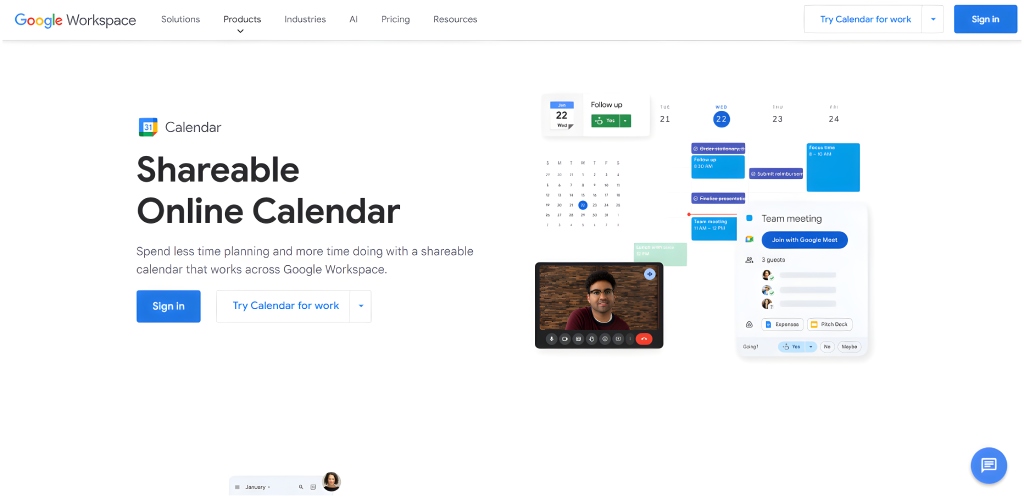
Google Calendar is one of the most widely used digital planners. It offers an easy way to plan your day, set reminders, and integrate with other Google apps like Gmail. While it’s primarily a calendar tool, it’s a reliable choice for anyone looking to stay organized.
Key Features:
- Free and simple to use
- Syncs across all devices
- Allows for event scheduling and reminders
- Integrates with other Google services
Pros:
- Simple interface with no learning curve
- Free to use with no premium version required
- Seamless integration with other Google tools like Gmail and Google Meet
Cons:
- Lacks customization and advanced task management features
- Not suitable for complex project or task management
Pricing:
- Free plan: All features available
Available platforms: Web, Android, iOS
Ideal For: Anyone looking for a basic, straightforward scheduling tool.
Todoist: Simple Task Manager
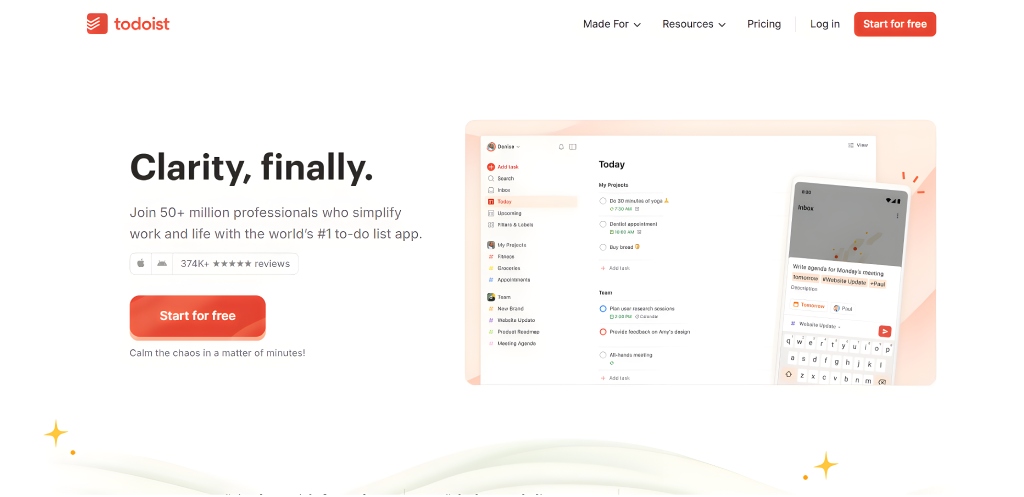
Todoist is a task manager with a clean and simple interface. It’s perfect for those who want a straightforward tool for managing daily tasks and to-do lists. With labels, filters, and priorities, Todoist allows you to stay focused and organized.
Key Features:
- Simple task management with advanced filtering
- Task prioritization
- Syncs across devices
- Integrates with other productivity tools like Slack
Pros:
- Easy-to-use interface with quick task creation
- Allows users to prioritize tasks with labels and filters
- Integration with tools like Slack and Google Calendar
- Provides a “Karma” feature to track productivity and stay motivated
Cons:
- Limited features in the free version (e.g., no color coding for tasks)
- Lacks advanced time management or scheduling features
Pricing:
- Free plan: Basic task management
- Paid plan: $4/month for premium features like labels, reminders, and file uploads
Available platforms: Web, Android, iOS, Windows, macOS
Ideal For: Individuals who want a simple, no-frills task manager.
Sunsama: Daily Planner with Calendar
Sunsama is a daily planner that combines task management with time-blocking. It’s ideal for those looking to schedule their tasks in a more mindful way. With Sunsama, you can easily allocate time for each task, ensuring that your day remains balanced and productive.

Key Features:
- Time-blocking for task management
- Integrates with Google Calendar
- Focus on work-life balance
- Ideal for busy professionals
Pros:
- Integrates seamlessly with Google Calendar
- Encourages work-life balance through time-blocking
- Designed to be used with mindfulness and productivity in mind
Cons:
- High price point for individual users
- Limited integration with third-party apps outside of Google
Pricing:
- Paid plan only: $20/month for all features
Available platforms: Web, macOS, Windows
Ideal For: Busy professionals and individuals looking to balance work and life through mindful planning.
TimeBloc: Visual Time Blocking Tool
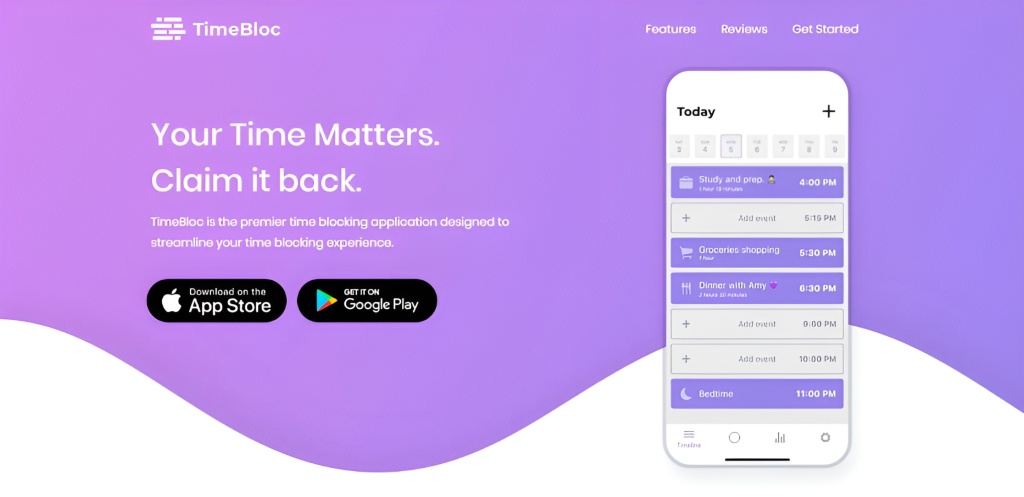
TimeBloc is a visual time-blocking planner that allows you to divide your day into blocks of time dedicated to specific tasks. It’s a great tool for anyone who prefers a minimalist approach to planning.
Key Features:
- Simple visual time-blocking interface
- Ideal for minimalists and time-management enthusiasts
- Syncs across devices
Pros:
- Clean and minimalistic design makes it easy to focus on tasks
- Ideal for time-blocking enthusiasts
- Syncs across devices for easy access
Cons:
- Lacks advanced features for task management or collaboration
- No integrations with external apps like Google Calendar
Pricing:
- Free plan: Basic features (time-blocking only)
- Paid plan: $4.99/month for additional features like recurring tasks and advanced time-blocking tools
Available platforms: iOS, Android
Ideal For: Minimalists and time-blocking enthusiasts who want a simple, focused tool.
How to Start Digital Planning as a Beginner?
If you’re new to digital planning, here’s a step-by-step guide to help you get started using digital daily planner tools :
1. Choose Your Tool
Select a digital planner that fits your needs. If you’re looking for simplicity, Sunsama might be a great start. If you prefer more customization, PlanWiz could be the right choice.
2. Set Up Your Planner
Once you’ve chosen your tool, set up your digital planner by adding your recurring tasks, appointments, and goals. Use goal planner templates to get started quickly.
3. Review Your Day
Every morning, take a few minutes to review your day using a schedule maker to prioritize tasks efficiently and stay organized from the start.
4. Stay Consistent
Make a habit of reviewing and updating your planner throughout the day. Set reminders to check your progress and stay on top of tasks.
Comparison Table: Best Digital Planning Tools to Stay Productive Anywhere
| Tool | Best For | Key Features | Free Version |
| PlanWiz | Students, creatives, pros | Customizable templates, goal tracking, and device sync | ✅ |
| Notion | Flexible, all-in-one planning | Databases, templates, and collaborative workspaces | ✅ |
| Motion | AI-powered task scheduling | Smart calendar, automated task prioritization | ❌ |
| Google Calendar | Simple, everyday scheduling | Event reminders, calendar sync, Google integration | ✅ |
| Todoist | Task-focused planning | Labels, priorities, and integrations with tools like Slack | ✅ |
| Sunsama | Work-life balance seekers | Daily planner, time blocking, calendar sync | ❌ |
| TimeBloc | Minimalist time-blocking | Visual planner, recurring tasks, focused UI | ✅ |
Final Thoughts
Digital daily planner tools like PlanWiz revolutionize how you plan your day on the go. By choosing the right planner tool for your needs, you can ensure that you never miss a task or deadline again. Whether you start with a free planner app or invest in a premium version, these tools boost productivity and flexibility.
Also Read
Best Daily Planner Apps for 2025[Latest]
People Also Ask
PlanWiz is the top pick for its customizable templates and balanced approach to productivity and wellness. Notion for creative flexibility. Choose based on your style. PlanWiz suits most users looking for a flexible, all-in-one planner.
Digital planners offer portability, syncing, and automation ideal for on-the-go lifestyles, while paper planners offer tactile benefits and minimal screen time.
PlanWiz and Todoist are both beginner-friendly, with intuitive design and simple task management.
Use built-in templates or create goals within apps like PlanWiz, setting milestones and deadlines to track progress.






