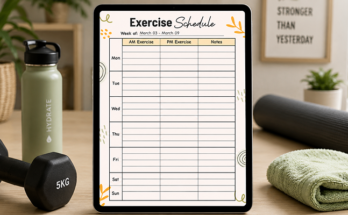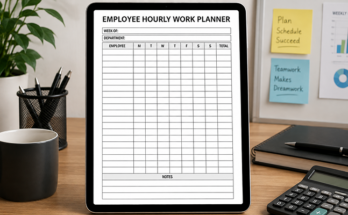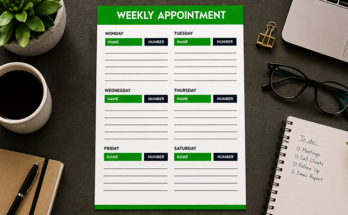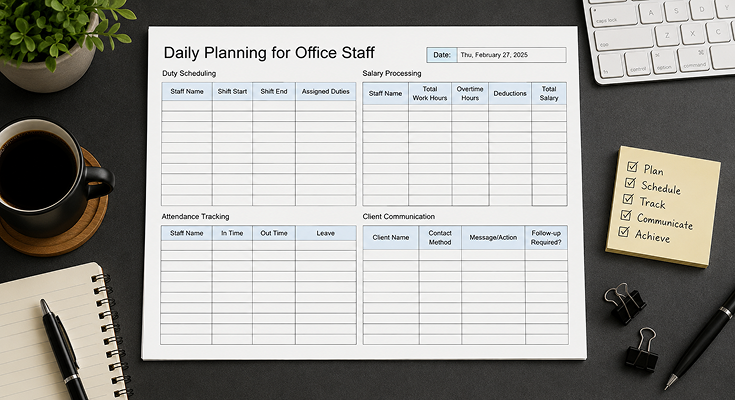
Stay organized and stress-free with our office staff daily planner template — part of our versatile planner templates designed for busy professionals. This easy-to-use and customizable template helps you manage tasks, set priorities, and track deadlines with a clean, structured layout that boosts daily productivity.
Elevate planning with the daily planner app, featuring real-time task tracking and smart reminders. Download this Office staff planner template in PDF and other formats now to take control and achieve a focused, organized workflow!
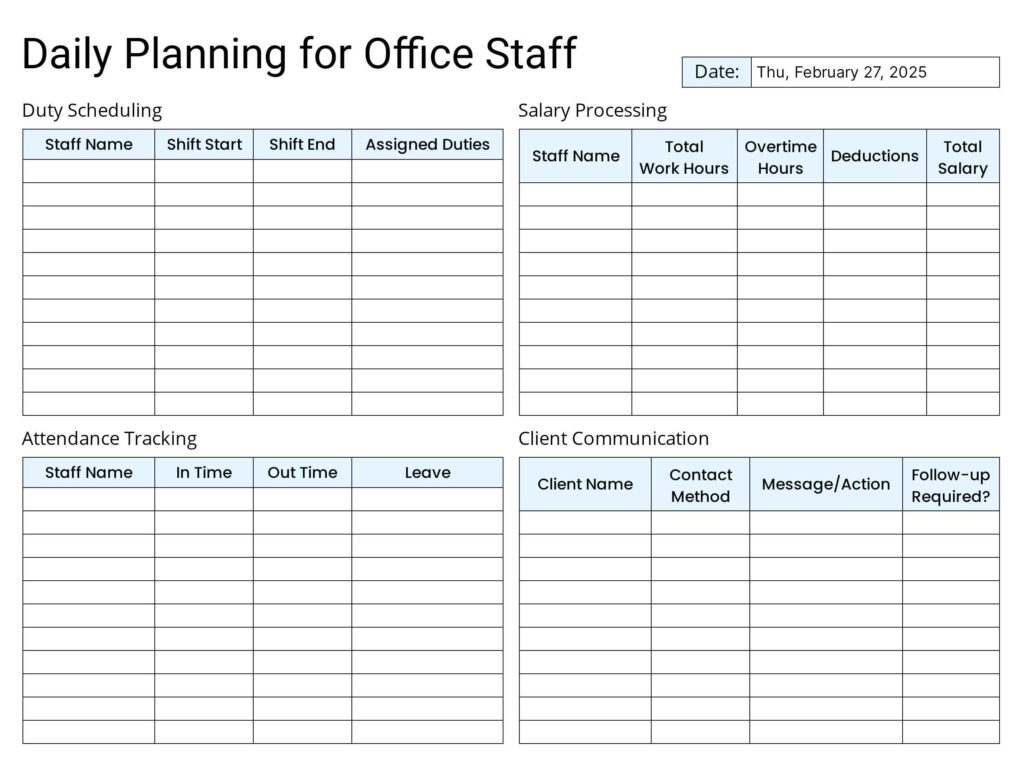
The PlanWiz daily planner app offers straightforward navigation and a balanced organizational structure to effectively manage business meetings and visual task lists. With dedicated sections for workload management and prioritizing key duties, it tracks important tasks without overwhelming complexity.
Flexibility is one of the core features of the Office Staff Daily Planner Template because it adjusts to accommodate different workplace conditions and planning requirements. Whether using daily planner templates in digital or printable formats, this planning tool offers both structure and customization features that enable successful scheduling while improving workflow organization to keep professionals clear regarding their daily duties.
How Grid-Based Design of the Daily Planner Template Contributes to Its Effectiveness?
Ever felt like your workday is a jumbled mess of to-dos, meetings, and deadlines? That’s where a well-designed daily planner comes in, and the grid-based layout of this particular template is its secret weapon. Here’s how this design choice unlocks a more organized and productive you:
Visual Clarity: Your Day at a Glance
Imagine a planner with everything neatly compartmentalized. The grid offers visual clarity, displaying your tasks and appointments in a structured layout. No more dealing with cluttered lists or messy handwriting.
Time Blocking Made Easy
The grid makes time management effortless. Each block represents a time slot, allowing you to schedule activities with ease. Whether it’s a meeting, focused work, or a lunch break, this Daily Schedule Planner Template enables you to allocate time effectively.
Flexibility for Your Unique Workflow
The grid-based structure is flexible to your needs. It can be adjusted by changing time intervals, adding or removing sections, or even color-coding. This planner adapts to your unique workflow, not the other way around.
Prioritize Like a Pro
With the grid, prioritizing becomes a breeze. Assign sections for urgent tasks, deadlines, and high-priority items using a Task Planner Template. The visual structure lets you focus on what matters most.
Consistency is Key
The grid’s consistent design encourages daily planning. When you use it regularly, it becomes a habit that reinforces organized behavior. This consistency boosts time management and reduces stress.
Brainpower Saver
The grid design helps reduce cognitive load. Information is clearly presented, so you don’t waste time deciphering your schedule. This organization minimizes mental effort, allowing you to focus on your tasks.
What Makes an Effective Office Staff Daily Planner Template?
The proper design of a daily planner template boosts productivity through structured organization, clear scheduling, and adaptable planning. The following important elements must be included in an effective planner system to achieve maximum efficiency:
Structured Layout: A Clear and Organized Format
The system remains easy to utilize because of its clean design structure with organized sections. A well-structured design system prevents confusion by letting office staff find information easily. The implementation of basic design principles generates improved concentration and efficiency during task completion.
Task Prioritization Section: Focus on What Matters Most
Every task possesses a different importance level. Priority-based management creates three categories of assignments that range from high to low. The high-priority work needs instant handling, followed by completing medium-priority tasks during the day. Workers should postpone low-priority projects until their schedule permits. The system enables staff to concentrate on significant work by reducing unnecessary stress from unfinished lower-priority duties.
Time-Blocking Method: Structured Work Sessions
By using time blocking, you assign dedicated periods for tasks to minimize disruptions and enhance focus. A professional planner includes high-focus blocks, planned breaks, and extra slots for unforeseen tasks. This approach helps you optimize your workday with smart time management, boosting productivity and reducing procrastination.
- Dedicated work periods for deep-focus tasks
- Scheduled breaks to maintain energy levels
- Time buffers for unplanned tasks or adjustments
Meeting & Appointment Tracker: Managing Schedules with Precision
A reliable planner integrates all meeting schedules and appointments in one solution. It features a section displaying upcoming schedules with times, locations, team meetings, and tasks from previous meetings, enhanced by a meeting agenda template. This system avoids conflicts and shows how to create an effective daily schedule for office staff, ensuring crucial follow-ups are recorded to boost office efficiency and communication quality.
- Upcoming meetings with time and location details
- Daily check-ins and follow-up discussions
- Action items from previous meetings
Follow-Up & Notes Section: Capturing Key Details
Creating an area for follow-ups and notes becomes vital because it enables individuals to track discussions, review decisions, and establish next actions. This part provides essential meeting information, which includes both pending tasks and key points, along with necessary clarifications. The space supports office organization, tracks accountability, and keeps key information accessible for tasks and follow-ups.
- Meeting takeaways and pending actions
- Task clarifications and additional instructions
- Reminders for upcoming deadlines
Customizable Features: Flexibility for Different Workstyles
Different workplaces operate in distinct ways, which means workers must have a planner format that accommodates varied needs. The template provides functionality for real-time updates, enables access across multiple devices through a digital planner template, and includes a printable version as an alternative format. Staff can customize planner sections to fit their specific needs, improving efficiency and ease of use.
- Digital Use: Editable planners that sync with devices for real-time updates
- Printable Option: A structured PDF version for those who prefer paper planners
Can Color-coding Tasks Make the Planner Template Easier to Read and Use?
Yes, color-coding tasks can make an office staff planner easier to read and use. By assigning different colors to various task types, departments, or priorities, you create an organized, visually intuitive system that allows staff to quickly identify what needs attention.
Color-coding helps with prioritization, making it easy to spot urgent tasks (e.g., red for high priority) and improves readability by breaking up clutter. It also boosts motivation, as a visually engaging planner encourages consistent use.
Using a color-coded office staff planner template makes tracking tasks more efficient, reduces confusion, and increases productivity. You can easily download an office staff planner template in PDF format to implement these benefits.
Conclusion
A well-structured digital office staff daily planner template is essential for improving organization, productivity, and time management. By incorporating key features such as task prioritization, time blocking, meeting tracking, and follow-up sections, employees can streamline their workflow and stay on top of their responsibilities. Customizable and adaptable to different work environments, the best daily planner apps enhance efficiency, reduce stress, and ensure a smoother, more organized workday for office professionals.
FAQs
The grid layout offers clear task visualization, easy time blocking, and flexible prioritization, helping office staff manage duties and meetings efficiently with minimal stress.
The PlanWiz app syncs tasks across devices, provides real-time updates, and sends smart reminders, ensuring office staff stay organized and focused on priorities.
Yes, the template supports digital edits via the PlanWiz app or printable PDF formats, allowing office staff to adjust sections for their unique workflow.
It includes a dedicated section for meeting schedules, locations, and follow-up tasks, paired with agenda templates to streamline communication and avoid conflicts.
Yes, the template is available as a free downloadable PDF, offering a structured, minimalist design to boost productivity without any cost for office staff.