Staying organized in today’s quick pace of educational life is the most vital aspect for a student to succeed. Pressure can weigh heavy on the heads of the students with classes, assignments, extracurricular activities, and social commitments. This is where this best daily planner app might find its place and help manage time, prioritize things, and boost productivity.
Why a Daily Planner App?
A daily planner app helps students organize tasks, set reminders, and manage schedules across devices, reducing stress. It offers customization options to fit personal styles and integrates with tools like calendars and email for streamlined planning. This boosts focus, reduces procrastination, and encourages productivity through a clear, manageable plan, leading to better academic efficiency.
Essential Features to Look For Day-to-Day Planner App
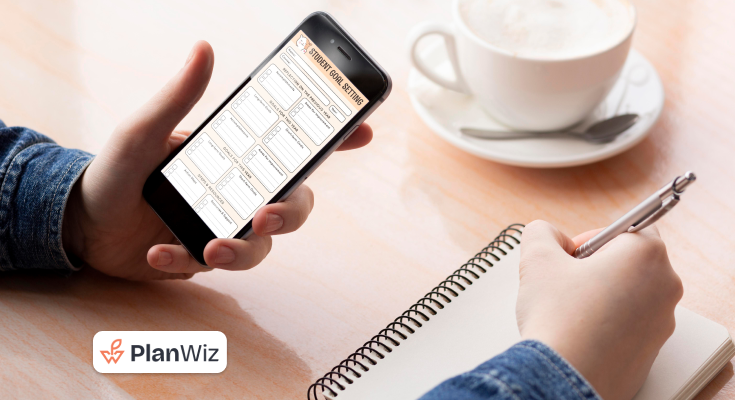
Planwiz is a powerful, user-friendly daily planner crafted to help students stay organized, focused, and productive. Key features that make Planwiz stand out include customizable schedules, seamless integration with calendars and task management tools, real-time notifications, and flexible layouts. With its intuitive design, Planwiz adapts to students’ needs, enhancing time management and supporting academic success.
Easy and Simple Interface
A simple and easy-to-navigate interface is what is required of students. It should be able to show quick views of schedules, tasks, and other notes without giving them a headache. Some of the popular features include drag-and-drop functionality, intuitive icons, and a clean layout for students to get acquainted with the application and use it regularly.
Task and Goal Management
Planwiz planner app should help a student create, categorize, and prioritize well. Some of the significant features are:
- Deadlines: This would ensure that the student is on track with deadlines for assignments and projects.
- Recurring Tasks: In regards to repetitive responsibilities, such as regular readings or study sessions, it’s great to have recurring tasks in there, saving much time and keeping them consistent.
- Subtasks: Breaking up bigger projects into little subtasks gives the students a clearer way of not feeling overwhelmed, rather step by step, the path towards completion. This feature will also allow them to track their progress better.
Calendar Integration
Look for an application that easily syncs with academic calendars such as Google Calendar or university systems. This feature allows students to view classes, exams, and other important dates all in one place, minimizing the risk of overlooking commitments. With everything consolidated, students can manage their schedules more effectively and stay on top of deadlines.
Collaboration Features
For those doing group projects or study groups, an application allowing students to collaborate on a task is invaluable. Key features include shared to-do lists, real-time editing, and group chat options that facilitate communication. Additionally, the ability to assign tasks, set deadlines, and track progress enhances accountability, ensuring all members contribute effectively to the project.
- Shared Task Lists: It can create and share task lists to ensure that team members are in line with what has to be done as well as when.
- Group Calendars: Shared calendars assist the students in knowing when group members are available. This makes it easier to book meetings as well as study sessions.
- Commenting and Note Sharing: The posting of comments or even sharing of notes directly integrated into tasks or projects facilitates communication and simplifies cooperation toward easy coordination of the actions of the groups.
Note-taking Capability
A note-taking feature in a planner is incredibly useful for students. It allows them to jot down ideas, capture important points from lectures, and set reminders for specific tasks or projects. This functionality enhances learning by enabling quick access to critical information and helps students stay organized, ensuring they don’t forget key details as they navigate their academic responsibilities.
Customizable Categories and Tags
Custom categories and tags can be used for students to categorize tasks based on subjects, priority, and types of tasks such as assignments, exams, and personal obligations. Filtering and listing specific tasks are much easier to do using this feature. And make it easier for students to focus on what needs to be done at any given moment.
Explore Template Options for Effective Study Plans
Planwiz provides pre-designed templates that simplify planning for students, eliminating the need to plan from scratch. These daily planner templates streamline organization, execution, and planning, saving time and effort in the process.
Task Management Daily Planner
A task management planner helps organize, track, and complete daily tasks efficiently, ensuring timely goal achievement.
Goals-Oriented Daily Planner
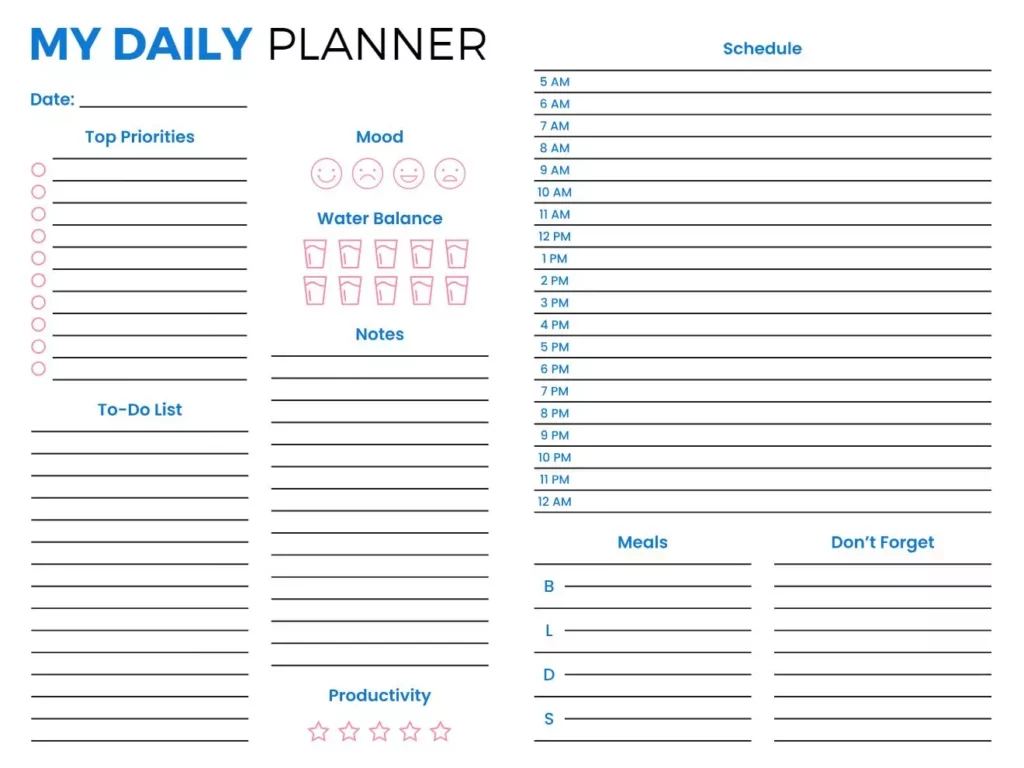
A goal planner templates help break long-term goals into smaller tasks, ensuring consistent progress and motivating success.

To-Do List-Oriented Daily Planner
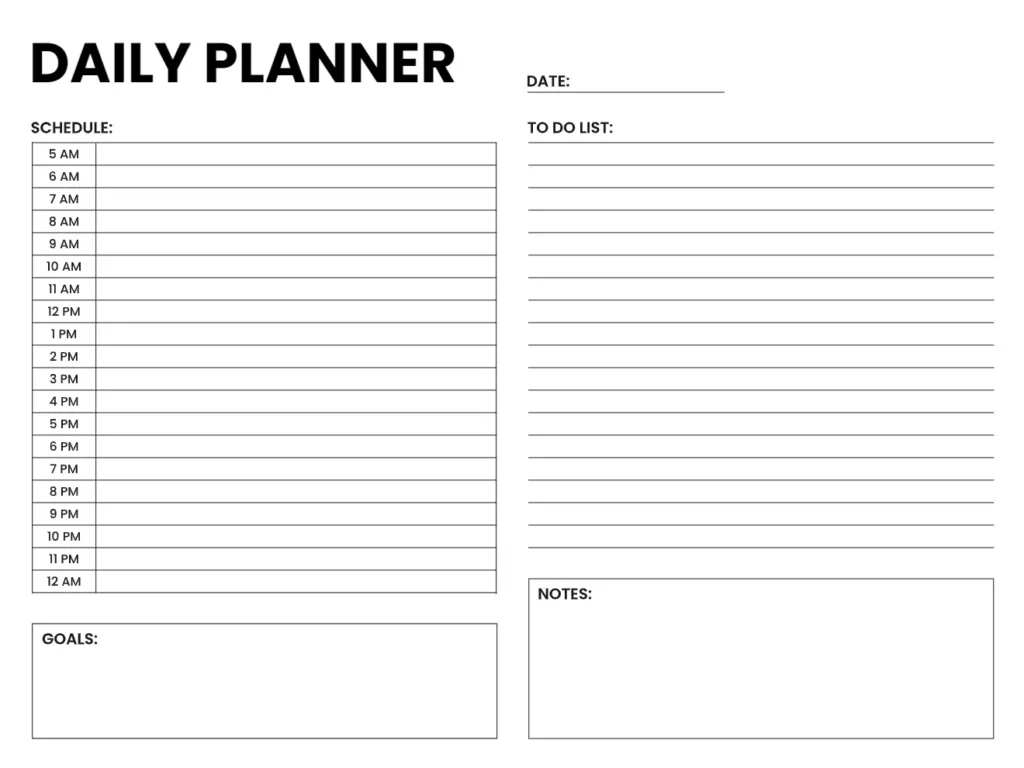
A to-do list planner templates help organize tasks, set deadlines, and track progress, providing motivation and a sense of accomplishment.
Time Management Daily Planner
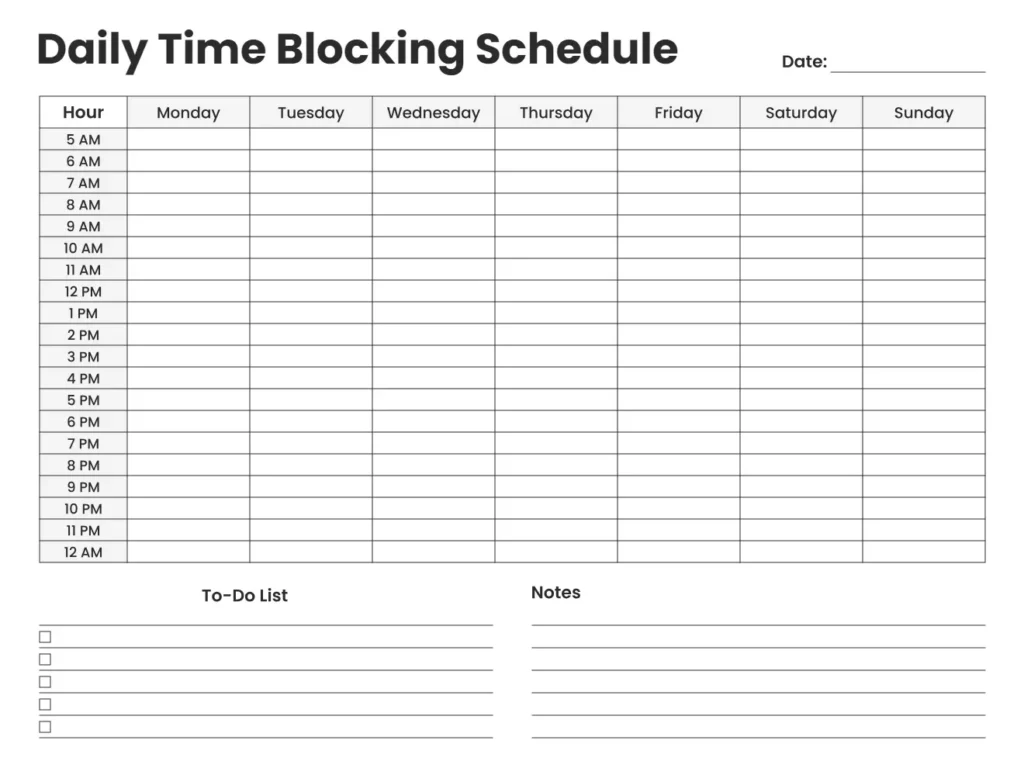
A time management daily planner optimizes your schedule, allocates time for tasks, reduces distractions, and boosts productivity while balancing work, study, and Rest.
Setting Up Your Daily Planner App
Organizing and managing our time begins with effectively structuring the planner we choose to use. The first step is to input all due dates, deadlines, and recurring tasks to ensure that the planner is up-to-date. By doing this, students create a comprehensive overview of their commitments, allowing them to visualize their responsibilities clearly.
Download and Sign Up
Choose a planner app that suits your needs as a student, and then download it to open an account. Take some time to familiarize yourself with its features, layout, and various options available. This initial investment in understanding the app will make the planning experience more enjoyable and effective, ensuring you stay organized and prepared throughout the entire semester.
Customizing your layout
Choose a planner layout that complements your routine, whether it be daily, weekly, or monthly. Personalize the design by selecting colors, fonts, or themes that resonate with your style. A visually appealing planner can motivate you to engage with it daily, making the planning process more enjoyable. Creating a planner that reflects your preferences, helping you stay organized and on track with your tasks and commitments.
Add existing calendars
For easier planning, the app allows you to import existing academic and other calendars. This feature ensures that all your important dates, such as scheduled classes and exam days, are consolidated into one view. Having everything in one place minimizes confusion and enhances organization, allowing you to manage your time more effectively. By streamlining your schedule, you can focus on your priorities and reduce the stress of tracking multiple commitments.
Categories and Tags
Organize tasks by creating categories for different subjects, extracurricular activities, and personal commitments. Using tags allows for prioritization based on context. This level of organization enables you to reconcile various responsibilities while maintaining focus on what needs to be done. By clearly delineating tasks, you can effectively manage your time and ensure that nothing important is overlooked.
Enter Key Dates and Goals
Enter key academic dates into your planner, including exam schedules, project deadlines, and assignment due dates. Additionally, input personal goals to provide you with definite objectives. This setup creates a robust planning structure that ensures you are adequately prepared and focused as you navigate through the semester. By having everything laid out, you can manage your time effectively and stay on track.
Maximizing Productivity with Your Daily Planner App
Choose Planwiz as your go-to planner app. Download it, create an account, and explore its features. Here are the tips for maximizing productivity using the daily planner app.


To Prioritize Tasks
Tasks should be prioritized, and proper methods should be employed for that, such as the Eisenhower Matrix, that allows for what needs to be known whether urgent or important. This way, students prioritize urgent and important tasks first, making time management more effective and reducing end-of-term stress.
Time Blocking for Studies
Utilize time-blocking techniques to allocate specific periods for studying, completing assignments, and reviewing for exams. Create a schedule of focused study hours to enhance concentration and minimize unnecessary distractions. This approach fosters more productive study sessions and improves retention of material, as dedicating uninterrupted time allows you to engage deeply with the content and absorb information more effectively.
Summarize Daily and Weekly
At the end of each day and week, take time to reflect on your accomplishments. This helps you assess progress and plan for the next period. Use time management tips like prioritizing tasks, setting study time blocks, and minimizing distractions to enhance your focus and efficiency. Continuous assessments keep the momentum high and make people increase their productivity. Daily planner app enables you to stay on track and achieve your goals more effectively.
Avoid Multitasking
Encourage focusing on one task at a time for greater efficiency and to minimize mistakes. Multitasking is a significant productivity killer that often leads to errors. Use the planner to track progress on one assignment at a time, allowing for concentrated effort on completing tasks thoroughly and effectively. This approach fosters a sense of accomplishment and ensures careful execution of each step, ultimately enhancing overall productivity.
Tips for Maintaining Organization With a Daily Planner
Organization can be a tricky task, especially with time limits for various tasks, goals, and results. However, thanks to the planner app, creating a proper structure can lead to better time management. With a well-organized planner, time will be allocated effectively, helping to reduce stress levels and enhance productivity. This systematic approach allows individuals to focus on their priorities and manage their responsibilities with greater ease.
It Must Be Up-to-Date
Come up with a habit of regularly updating your planner with new tasks, assignments, and changes in your schedule. Updated planners keep you well organized, especially when academic periods go hectic. Such a habit ensures that you will not miss anything so that your academic life works smoothly. Additionally, set aside a few minutes each day or week to review and adjust your plans, reinforcing your commitment to staying organized.
Create a Routine
You should develop an ideal routine based on what needs to be done at specific times of the day or week. Set a fixed time each day or week to revise and update your planner. Consistency turns the planning process into a habit that keeps an individual well-planned and proactive regarding his or her academic affairs.
Use of Checklists
Utilize your planner to include checklists for assignments, readings, and projects. This visual setup can be motivating, as checking off various tasks provides a sense of accomplishment. Checklists also offer a way to break down bigger projects into smaller steps, making them feel less daunting. By seeing progress in real-time, students can maintain momentum and stay focused on completing their goals, ultimately enhancing their productivity and reducing overwhelm.
Stay Flexible
Where organization is a critical part of success, flexibility is also required. You may find that you need to change plans at times, so it’s important to have a strategy to roll with the punches. Regularly update your planner to accommodate changes, helping you stay on track and avoid feeling overwhelmed by new developments. This adaptability allows you to maintain your focus and productivity.
Conclusion
For a student, a good daily planner apps is necessary for trying to stay organized in today’s. An increasingly complex academic environment with an appropriate app. Chosen is to support your needs and by making healthy habits in planning, one can increase his or her productivity. While avoiding the stress that comes from not tracking items. Let’s start the organization journey, and you will see how it improves your academic life!