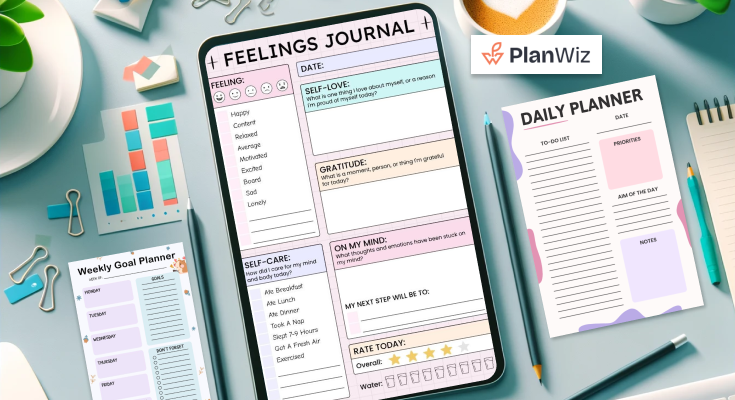
With social enhancement still an ongoing process, there is only an increasing demand for daily planner apps. These apps must be highly flexible, as the best daily planner app should guide users in planning their activities, goals, and schedules in a way that suits their preferences and comfort. PlanWiz offers such flexibility, allowing users to customize their daily planning according to personal preferences and needs.
The Impact of Customization on Efficiency
The primary benefit of having a regularly usable daily planner app is to improve its effectiveness. The following are examples of how those customization options make for a more productive day.
Reducing Cognitive Load
The human cognitive load, as a form of information overload, is somewhat lessened as one of the principal benefits, which results from customization. Cognitive load is the effort that has to be expended to achieve the required goals.
So, customizing a popular daily planner is possible to show only those significant pieces of information that can be helpful when working on a particular task without being distracted by other unnecessary data. For instance, decision fatigue can be minimized by using filters to preview only today’s tasks or by decomposing large projects into constituent sub-tasks.
Streamlining Time Management
Flexibility enables users to enhance their time management techniques with the software. Incorporating time management tips as parts of the app’s interface, one may see her schedule in the form of time slots for different corresponding tasks or activities.
This helps to ensure that work is done effectively without having to change between many tasks, which in some cases may take much time. Both Click Up and Tick Tick have options for setting time-tracking characteristics where the clients can learn how much time they spend on some jobs, which helps with time organization.
Personalization in Team Settings
Although, as for everyday usage, there are already numerous best daily planner apps, the aspects of customization are most valuable when working in teams. A good planner app should allow teams to work together while the individual members customize their app’s layout.
For instance, one team member may use the Kanban board, while another will find the list view more suitable to his or her work. The ability to tailor these choices separately for each contributor yet preserves the visibility of the project, on the whole, can enhance the productivity of the team dramatically.
Key Features to Look for in a Customizable Daily Planner App
In order not to be disappointed in the chosen application for daily planning activity, several important characteristics must be taken into account. Here are a few must-have features that every planner apps provide:
User-Friendly Customization Interface
A good day planner app should be easy to customize, even for users with no programming skills. The interface should be simple and intuitive, allowing users to effortlessly switch between different settings, layouts, and modes. This ease of use ensures that anyone can personalize the app to meet their specific needs, enhancing their overall experience.
Customizable Workflows
Flexibility of the workflows which could be adapted to the user is vital. For Instance, when you have a task that should be executed every Monday, the best planner organization ideas should enable you to create the task and execute it at the right time without having to type it all over again. This feature saves time and ensures consistency, allowing tasks to be efficiently repeated without extra effort each week.
Integration with External Tools
Daily planner app should seamlessly sync with other tools like Google Calendar, Slack, or Trello. This integration allows you to link tasks and events, keeping everything in one place. By consolidating all your activities in one app, you ensure better organization, streamline your workflow, and avoid missing important deadlines or tasks.
Offline Access and Cross-Platform Syncing
No one should be unable to access their planner at any one point, or the chain of operation is bound to be interrupted. Some of the other features that make a planner app ideal are that should be offline enabled to allow you to continue planning whether there’s an internet connection or not. It should also be accessible in real-time across all your devices to give you real-time information at all times.
Customizable Themes and User Interface (UI) Preferences
Customization is not only in how we arrange the tasks, it also in how we make the app people-friendly and as beautiful as possible. The best daily planner app also creates daily schedules and lets users choose themes, change fonts, and personalize the color as well. This may sound trivial, but a well-designed interface encourages all individuals to reopen their planner frequently.
Multiple Calendar and Task Management Integrations
For those people who have to multitask in everyday life – work, personal, and leisure activities. It’s crucial to have a planner that will allow having several calendars and to-do lists in one place. A good daily planner should help manage all in one place and work. Using Outlook, Google Calendar, Asana monday.com, etc., in sync.
Recurring Task Automation and Smart Task Suggestions
The last cluster of advanced customization is the ability to perform repetitive tasks. And suggestions for smart tasks based on the user’s actions. Ideally, the best day-to-day planner app should be able to notify the user of weekly meetings or even the preparation of monthly reports. Doing so reduces the time users take to input repetitive tasks, which is very useful.
Collaborative Task Sharing and Permission Settings
In addition, it has task-sharing functionalities specific to group interactions in teaming environments. One of the most marvelous features of a great planner app is that users can share tasks with other members, set delegations, and decide who can view and/or edit certain tasks. Such a level of customization helps boost the team’s performance because it saves time by avoiding misunderstandings and allows for some flexibility within the team.
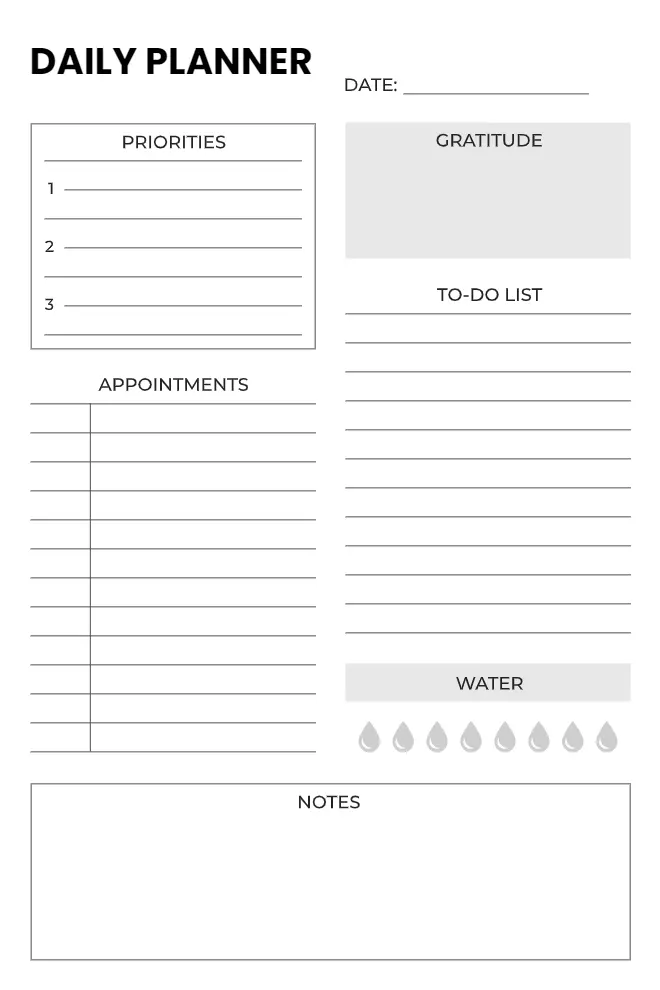
Pre-Designed Daily Planner Templates
The valuable tool that comes with a customizable planner app is the ability to use a planner template. These templates can be used to design to-do lists, meeting agendas or schedules, and project timelines to avoid having to make them over and over. Some examples of daily planner templates are provided and the advantage is that they are already pre-designed so the user requires less time to draw up a planner.
Maximizing Efficiency with Pre-Designed Daily Planner Templates
Maximizing efficiency with pre-designed daily planner templates allows users to quickly organize tasks, set priorities, and manage time effectively. These daily planner templates reduce setup time, offering a streamlined approach to planning.
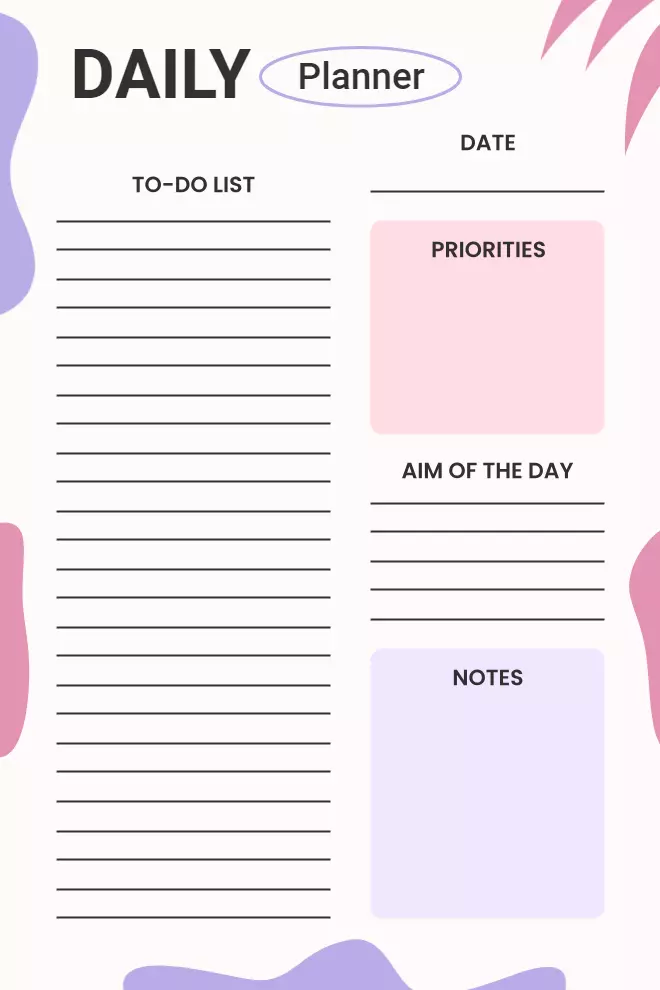
To-Do List Daily Planner Templates
Efficiently organize tasks, prioritize your day, and stay focused with a simple, easy-to-use to-do list template.
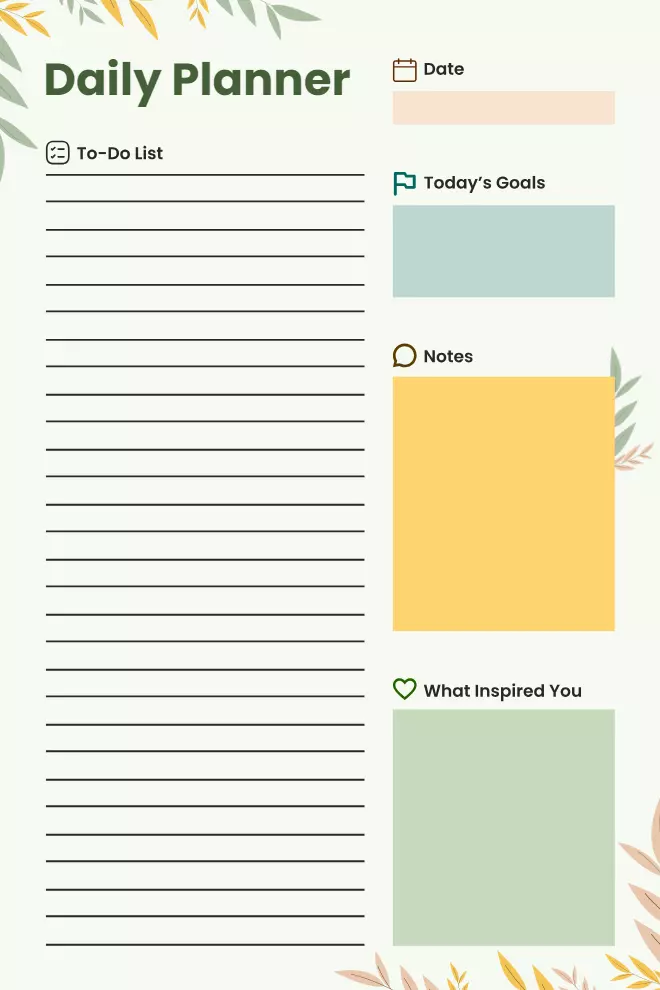
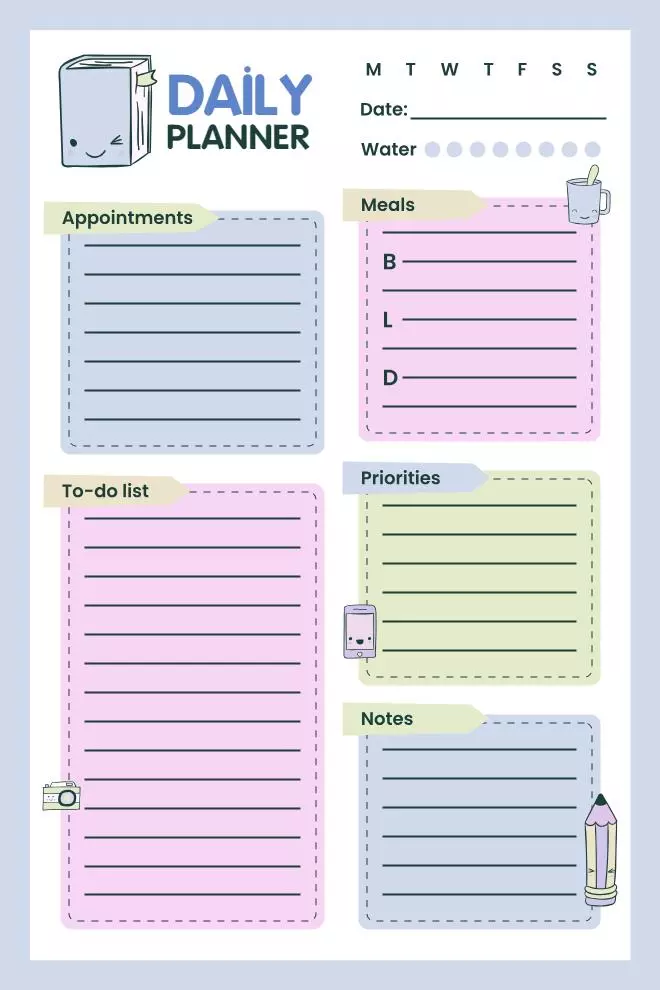
Goal and Notes Overview Planner Templates
Track progress, set goals, and jot down important notes with this comprehensive overview planner template.
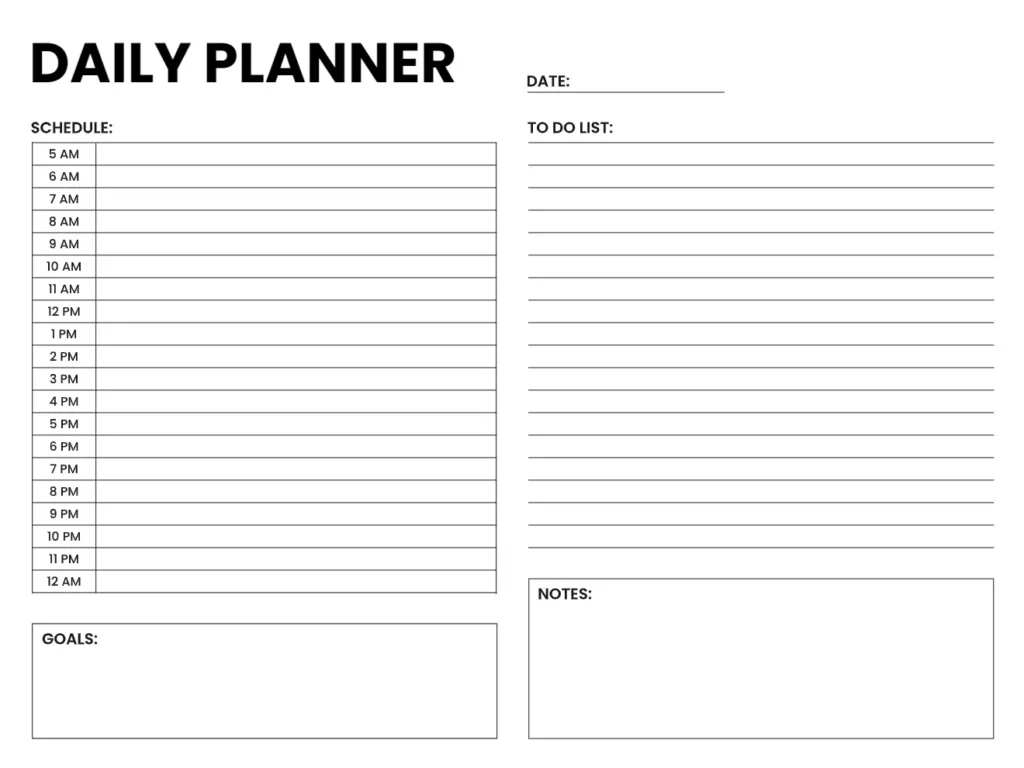
Hourly Task Daily Planner Template
Plan your day by hour, ensuring maximum productivity with this detailed hourly task scheduling template.
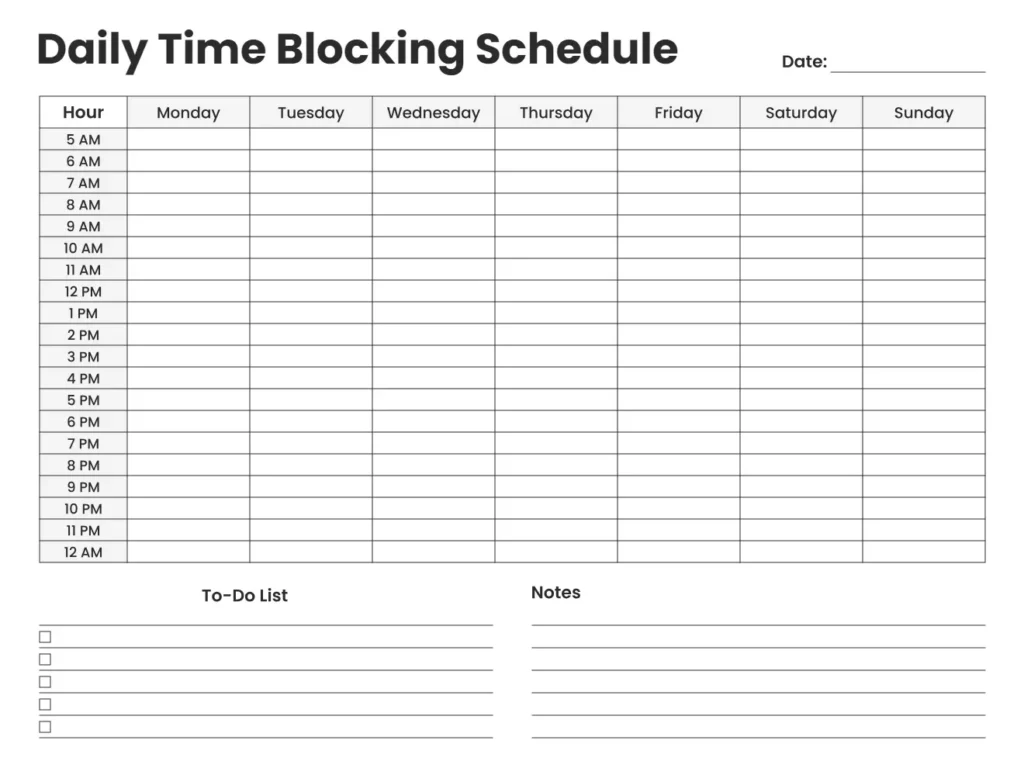
Daily Time-Blocking Schedule Template
Optimize time management with a time-blocking schedule, helping to allocate focused work periods effectively.
Common Pitfalls to Avoid When Customizing Your Planner
Thus, although customization is indeed fruitful in many ways, it’s imperative to consider several generic lessons that are far from contributing to productivity optimization when enacted. Here are several key pitfalls to be aware of:
Over-Customization
It means that increasing the customization level can negatively affect a firm. Because it causes the product or service to become too complicated. Users can easily get lost in the customization features of the app. And then get things done, even when the app is supposed to help them do things faster. This notion explains why people would want to customize anything and everything in their lives.
Ignoring the Learning Curve
While there are some highly adaptable applications available out there such as Click Up, they are typically difficult to master. This may sound counterproductive but it means that one should take time to familiarize him/her with the application features. Instances where one will waste ample time on a certain feature that does not work in the way. He/she would expect it to.
Customizing for the Sake of Customization
Do not fall into the pit of personalizing a planner due to the convenience of the option available. It means that customization should be relevant and should be going towards achieving the productivity objectives. Before changing something, first consider whether changing it will make your work easier, or will only create additional distractions.
Neglecting Regular Reviews
Effective customization is not an event that takes place at some point in time. Thus, depending on your priorities and activities, your planner must change, as well. Now and then, it becomes helpful to review and update your planner. To make sure that it is effective for your use. Failing to do so would result in having a layout as old. As the board, irrelevant tasks, and forgotten reminders reduce efficiency.
Overloading with Tasks
A typical error is the scheduling of too many tasks or activities to be included in one’s planner. It’s critical to write down all the tasks that you execute throughout the day. However, overloading you with too much work in a single day is a recipe for disaster. However, ensure that one sets a limited number of goals to achieve each day and uses the planner.
Failing to Set Clear Goals
Customization should be viewed best as specific objectives for organizational development. Despite the usage of planners, users will develop their planners with a minimum focus on what they want to achieve. Specific, measurable, achievable, realistic, and time-bound (SMART) goals should be defined.
Future Trends in Customization for Daily Planner App
The following trends have been identified to be the great influences. The advancement of customization of daily planner app in the future.
- AI and ML Integration for Smart Task Management
Specifically, AI-powered planners utilize artificial intelligence to learn from the user’s activities. To be performed and suggest the best time to complete them, as well as adjust the schedule themselves. - Customizable User Interface with Modular Design
Subsequent daily planner app will support highly customizable interfaces. Where users will be able to build modular and drag-and-drop dashboard layouts. Typographically, users are able to tweak the placement, colors, or size of the text associated with the themes. - Cross-Platform Synchronization and Integration
Cross-platform planning will be optimized, and people will be able to take into account personal as well as professional agendas. Smart assistants including Siri and Alexa, will support voice-based task generation and reminders. - Hyper-Personalization with Behavioral Data
Future planners will use behavioral data to balance the needs of the users and what has been planned. This will enable these apps to monitor user activity to help optimize such features as layout, notifications, and tasks. - Gamification and Habit Formation
The future planner will use a badge and reward system to ensure the user’s commitment to completing his tasks. Streak tracking and habit-forming reminders will turn planning into more fun recognized and completed, making planning that much more enjoyable.
Conclusion
When it comes to a good daily planner app. One that helps to lessen the burden on the brain and increase efficiency provides customization. The best program that is used for organizing the performance throughout the day should contribute to efficient functioning. Time to start with the daily planner just for you! Check out the best templates and begin improving your productivity right now!